
Campaigns
How campaigns work
The mechanics of how a campaign moves a contact through your sequence.
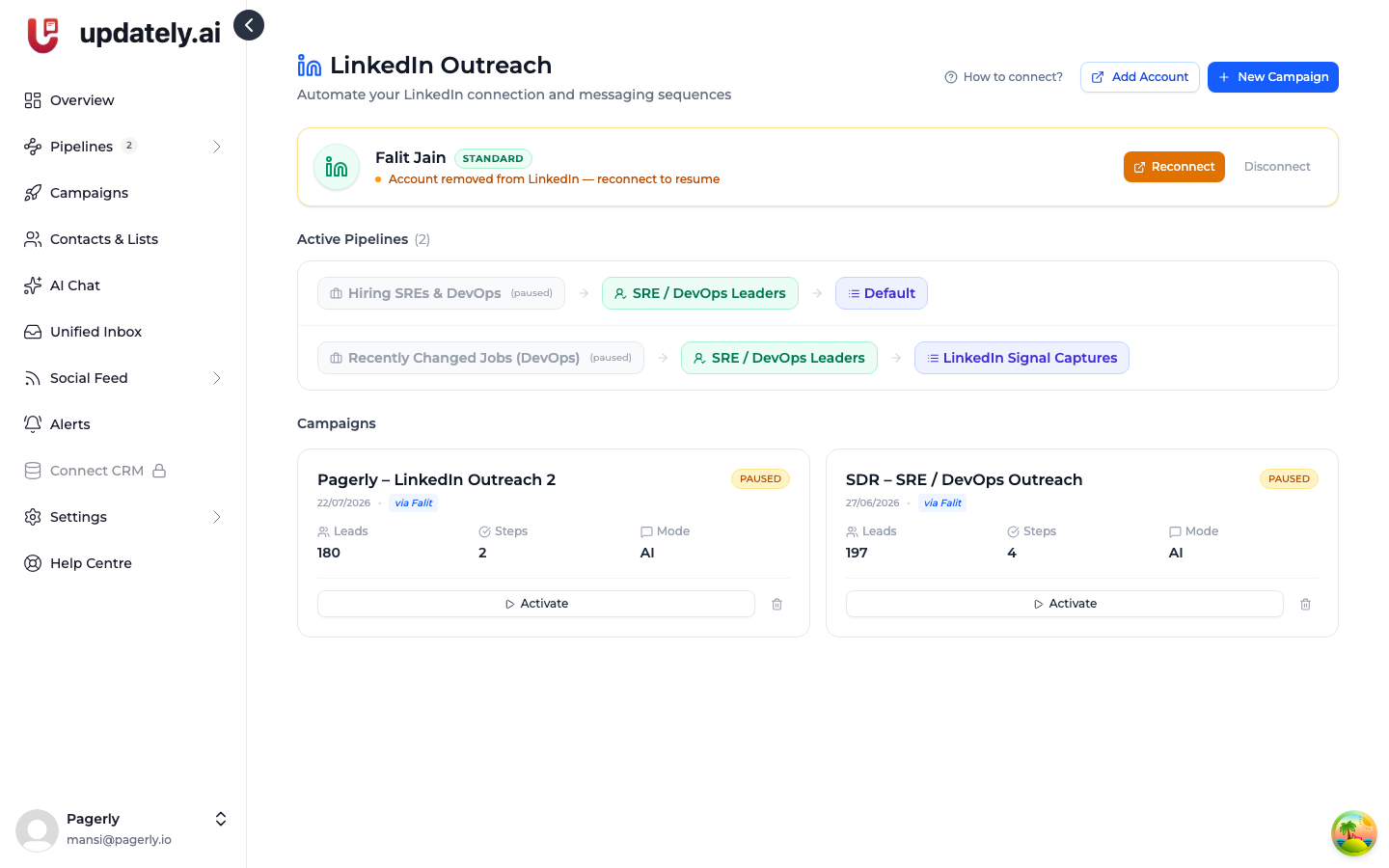
A campaign is a list of steps and the delays between them. Updately walks each contact through those steps one at a time, using the LinkedIn account you connected.
Steps
A campaign has two kinds of step:
- Connection request — sends an invite, with an optional note.
- Message — sends a direct message. Only possible once you're connected.
Steps run in order. Each one has a delay in days that controls how long to wait after the previous step before running it.
One contact at a time, independently
Contacts are not moved through in lockstep. Each one has its own position in the sequence and its own next-action time, so a contact who accepted today and one who accepted last week are both handled correctly at the same moment.
Sending window
Campaigns respect a sending window so your activity looks like a person working, not a script running at 3am. You can set this per campaign.
Contacts due outside the window wait until it reopens.
Personalising messages
Every message step can pull the contact's details into the text:
| Placeholder | Becomes |
|---|---|
{{firstName}} | Their first name |
{{lastName}} | Their last name |
{{company}} | Their current company |
{{jobTitle}} | Their current title |
You can also let AI write each message individually, using a prompt you set. See Message steps and templates.
If a placeholder has no value for a contact — say they were captured without a company — you'll get an awkward gap. Keeping your leads properly enriched matters for this reason.
When a step fails
A failed step is retried up to three times, two hours apart. If it still fails, the contact is marked Error with the reason recorded, and the campaign moves on to other people rather than getting stuck.
Common causes: the prospect deleted their account, LinkedIn temporarily refused the action, or your account hit a limit.
When someone replies
A reply marks the contact as Replied. That's your signal to take over — a conversation with a real person is worth more than the next templated step.
Pausing
Pausing a campaign stops new actions immediately. Nothing already sent is affected, and contacts keep their place in the sequence, so resuming picks up where it left off.
Your campaigns are also paused automatically if your LinkedIn account disconnects. See LinkedIn account disconnected.