
Core Concepts
Pipelines
A Pipeline is one complete route from finding a lead to reaching out.
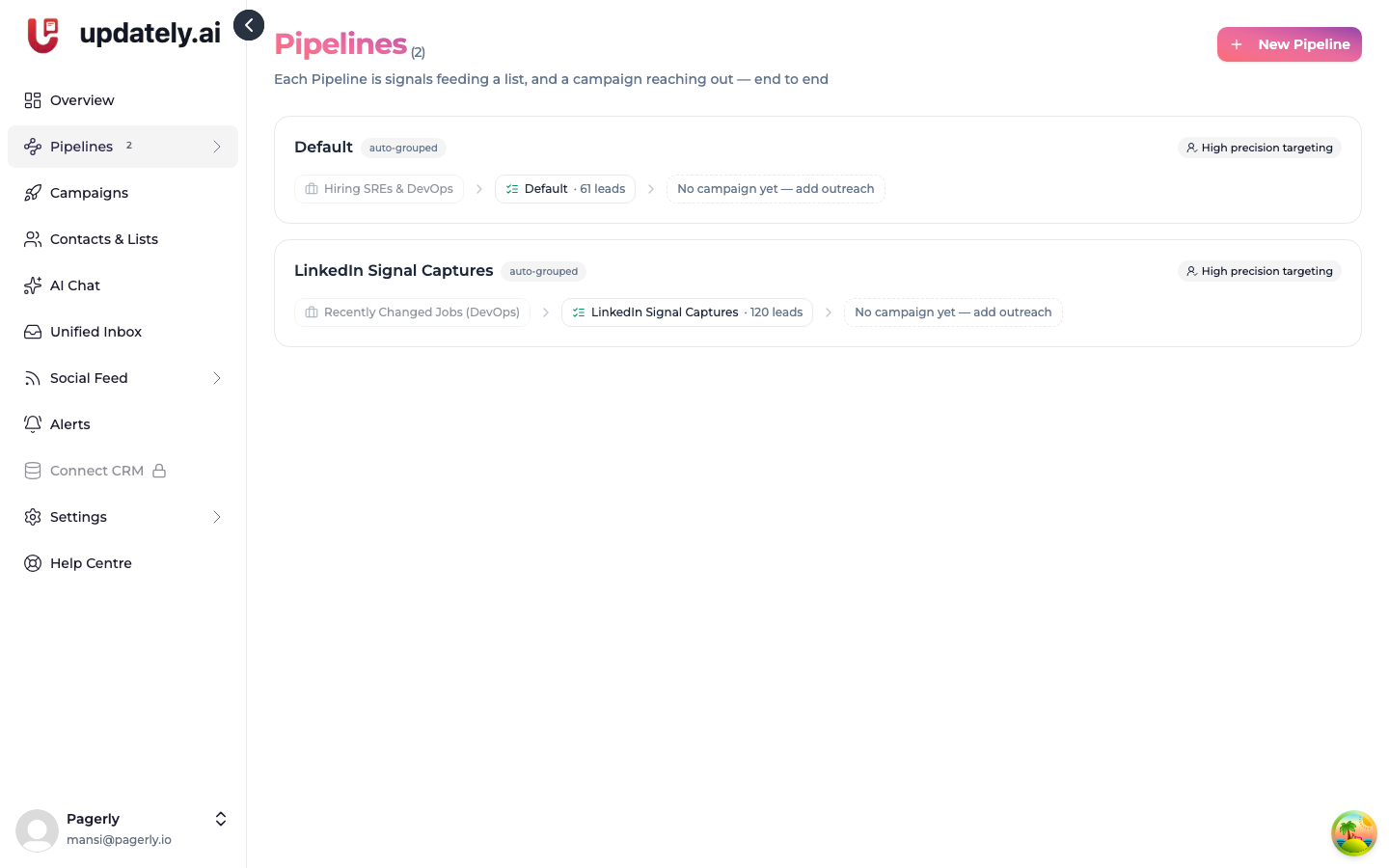
A Pipeline ties together the four pieces of outreach so you can see and manage them as one thing:
Signals → ICP filter → Lead list → Campaign
Without that grouping you'd be looking at a signals page, an ICP page, a lists page and a campaigns page, and working out in your head which belongs to which.
What defines a Pipeline
The lead list is the anchor. Everything that feeds that list, and everything that draws from it, belongs to the same Pipeline.
That means a Pipeline can have several signals. Keyword monitoring and profile search both feeding your list is one Pipeline with two sources, not two Pipelines.
Naming
Name your Pipelines for what they target — "SMB decision makers, India" tells you more later than "Pipeline 2" does.
A Pipeline you built before naming existed shows as auto-grouped with a name guessed from your list or campaign. Click the pencil to rename it.
Pipelines you didn't build in the builder
If you set up signals, lists and campaigns individually — before the Pipeline builder existed, or by hand — they still appear as Pipelines automatically. The grouping is worked out from what's connected to what. There's nothing to migrate.
Editing
A Pipeline isn't a locked bundle. The signals, ICP, list and campaign it created are ordinary objects you can edit, pause or delete individually. The Pipeline view just shows you how they connect.